
Structured learning pathways to build deeper creative and technical skills across Adobe's product ecosystem – boost your creative confidence and career potential. Look out for an APAC online Student Academy Conference at the end of the year!

Create, innovate, succeed
.png)
The University of Canberra is a Creative Campus – but what does that mean for you?
As a UC student you have free access to professional Adobe tools, certified skill badges, and a global creative community - everything you need to thrive in a digital world at university and beyond.
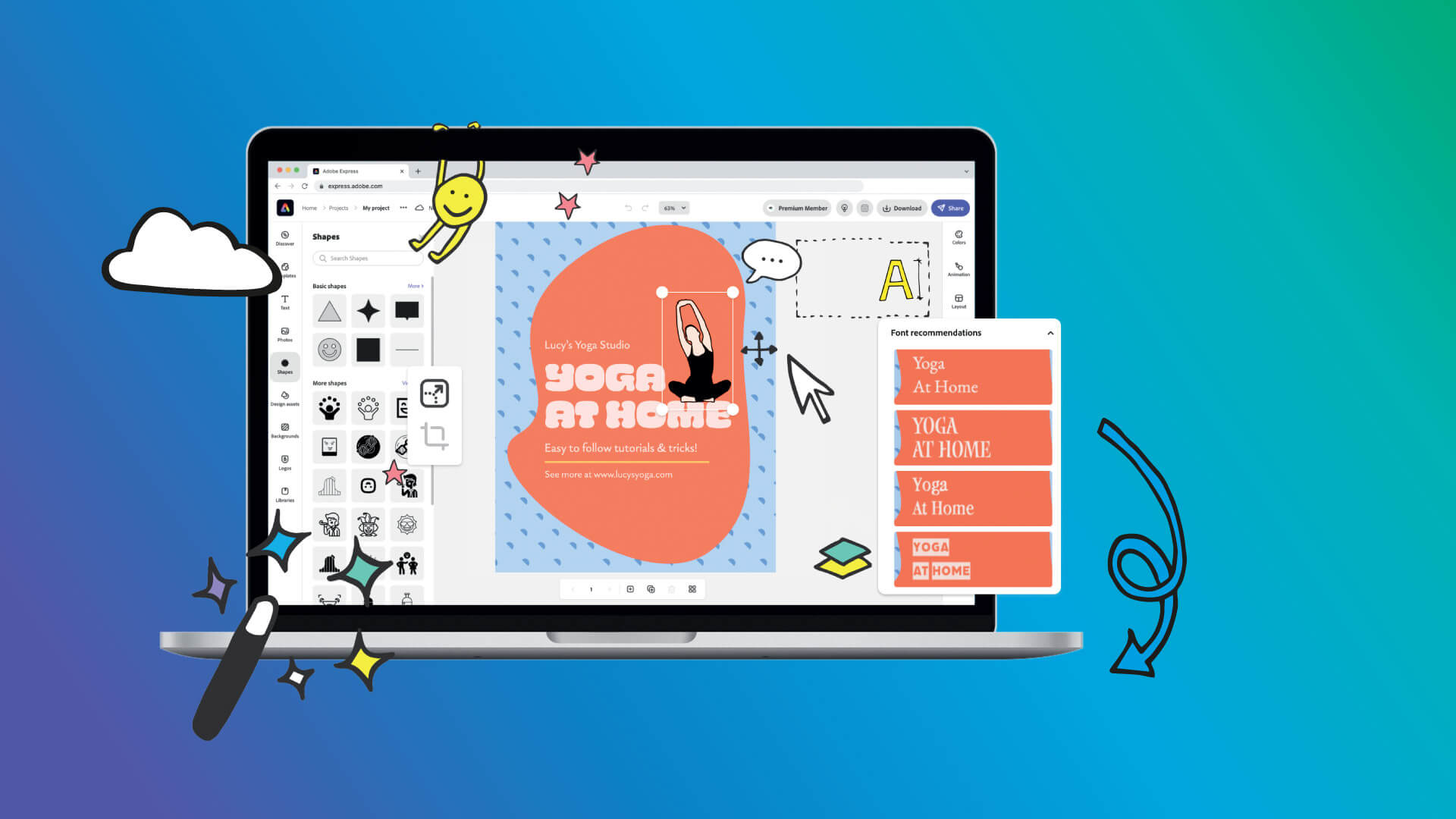
All students have access to Adobe Express – an easy-to-use, online platform for creating resources like presentations, infographics, digital portfolios, videos and so much more!
For students enrolled in specific creative disciplines, UC offers a limited number of Adobe Creative Cloud licenses for students to use at home for free.
| Tool | Who gets access | Where | How |
|---|---|---|---|
| Adobe Express | All UC students | Web, mobile, desktop | Free - no request needed. Sign in using your UC credentials |
| Adobe Creative Cloud (full suite) | Students in eligible creative units | Home install (2 devices) + labs | Request via IT Service Desk |
| Creative Cloud (labs) | All UC students | UC computer labs | Available now |
| Adobe Creative Cloud (discount) | All students | Personal subscription | ~70% off via Adobe EDU |
Perks for students

Certified Adobe Badges
Short, self-paced courses you can complete on your schedule. Each one earns a Credly digital badge you can add to LinkedIn or your career portfolio.

Adobe Student Ambassador Program
Join a global network of creative student leaders. Get early access to tools, attend exclusive events, and build your professional profile.

Career Skills Portfolio with Adobe Express
A Career Skills Portfolio collates your experiences, projects, and credentials to demonstrate your skills and abilities to hiring managers, plus it enables you to reflect on your development from student to graduate.

Living CV Program
Close the gap between classroom and career with the Living CV - a dynamic, evolving record of skills and achievements that prepares students for graduation and beyond.
Adobe Creative Cloud

Access to Creative Cloud is available upon request from our IT Service Desk to students in courses that require these professional tools.
Unsure if you have access to the Creative Cloud? Chat with your unit convenor.
Learning to use Creative Cloud gives you a head start in developing skills that are highly valued by employers and helps you build a standout portfolio for your future career.

First and only Adobe Creative Campus in Canberra
One of only seven in Australia.

Practical workshops
Learn from the experts. Get design, video, and social media advice from Adobe Express Creators.

Free access for all UC students and staff
Free access to Adobe Express for all students and staff + access to Adobe Creative Cloud for all staff and some creative units.
First and only Adobe Creative Campus in Canberra
One of only seven in Australia.
Practical workshops
Learn from the experts. Get design, video, and social media advice from Adobe Express Creators.
Free access for all UC students and staff
Free access to Adobe Express for all students and staff + access to Adobe Creative Cloud for all staff and some creative units.

UC has plenty of support in place to help you make the most of your Adobe tools.

- Library and Study Skills: For enquiries and support
- IT Service Desk: For Adobe Creative Cloud access and installation guidance
- Adobe library guide: A quick guide to Adobe's products
- ASK Advisors: Drop into the library on campus or online for one-on-one support
- Adobe Help Centre: FAQs, troubleshooting, and guides
- Creative Cloud Learning Resources: Tutorials and step-by-step guides on using Creative Cloud apps
- Creative Cloud YouTube Channel: The latest tips, tutorials, and live events
- Acrobat Pro Tutorials: Easy-to-follow tutorials
Join hands-on sessions led by Adobe experts to learn new skills, explore techniques, and create with confidence—no matter your experience level.